

My son Theo turned five in March, and by April I had a new least-favorite part of my day. Every afternoon at 3:30, when I got home from school still carrying my teacher bag and a pile of papers to grade, Theo would be on the Fire tablet watching YouTube Kids. Fine. But then 4:00 became the flashpoint. The moment I said 'time to wrap up,' the negotiating started. Then the tears. Then sometimes a full meltdown that dragged through dinner. I am a third-grade teacher. I help manage twenty-four kids' emotions for seven hours straight. The last thing I had energy for was a battle with my own five-year-old over a tablet. What finally ended that 4:00 standoff, a few weeks later, was swapping the Fire tablet for a LeapFrog LeapPad Academy.
I tried timers. I tried warnings. I tried the 'five more minutes' compromise that always somehow turned into twenty. Nothing landed. The core problem was that YouTube Kids is built to be bottomless. There is always another video. Another suggestion. Another bright thumbnail pulling his eyes to the next thing. The tablet was designed to keep him glued to it. I was fighting the algorithm, and I was losing.
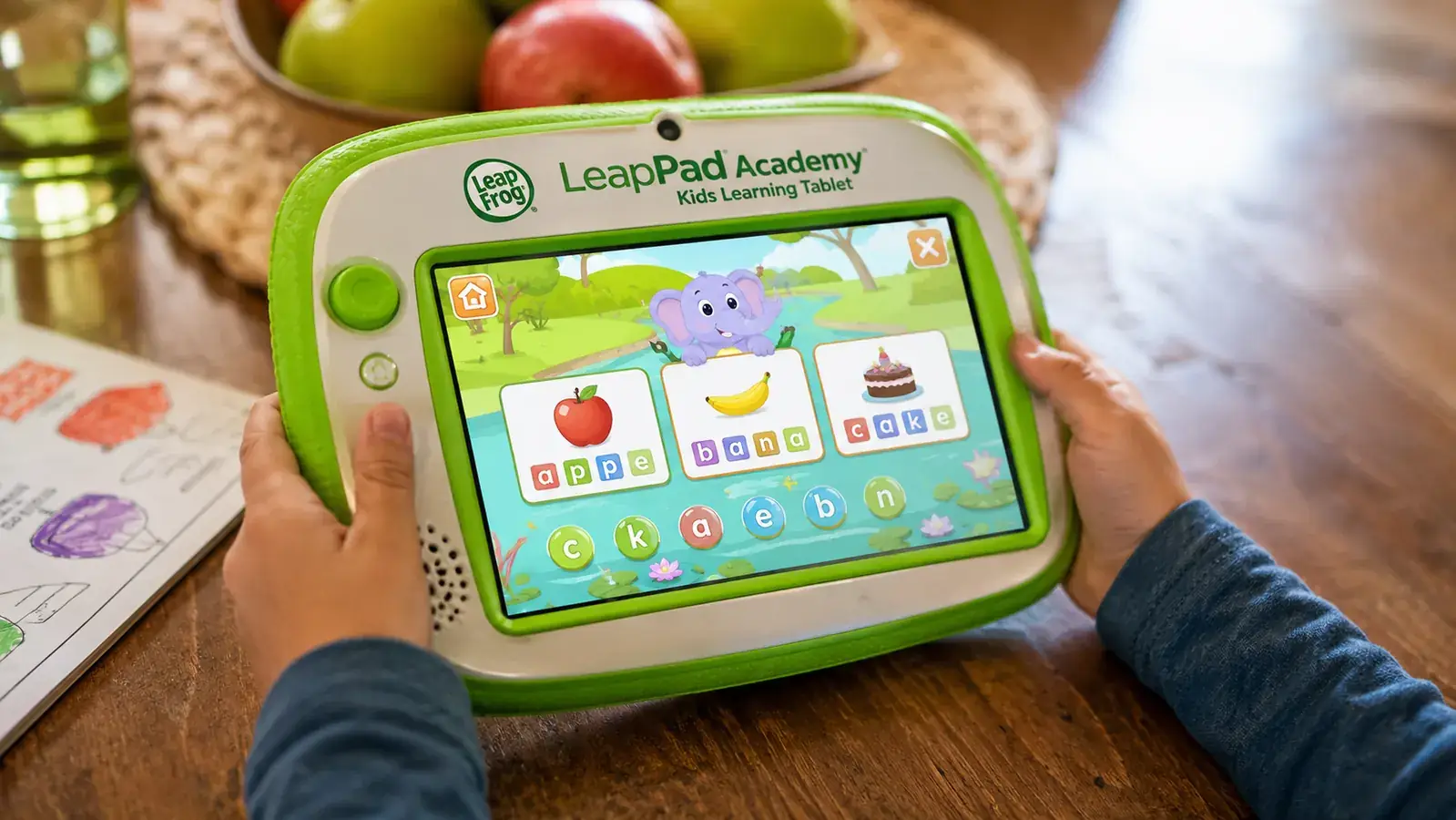
A colleague of mine, Deb, mentioned at lunch one day that she had switched her daughter off the Fire tablet and onto a LeapFrog LeapPad Academy. Her daughter was also five. Deb said the meltdowns mostly stopped because the LeapPad has a natural stopping point built in. You finish a game, the game ends. There is no autoplay. There is no infinite feed. I was skeptical, honestly. I had seen LeapFrog products before and figured it was just a toy dressed up as a learning tool. But I was desperate enough to try it.
The LeapFrog LeapPad Academy showed up two days later. It is a kids-only tablet, green and chunky and clearly not meant for adults. The parental controls let you load specific apps and lock out everything else. There is no browser. There is no app store he can wander into. Each piece of content is a structured activity with a beginning, a middle, and an end. Math games, letter tracing, phonics, little reading exercises. When Theo finishes a session, the screen does not offer him three more sessions. It stops. He closes it and puts it down.
The first afternoon he used it, we had no argument about turning it off. He just finished the math game, said 'I'm done,' and went to find the cats.
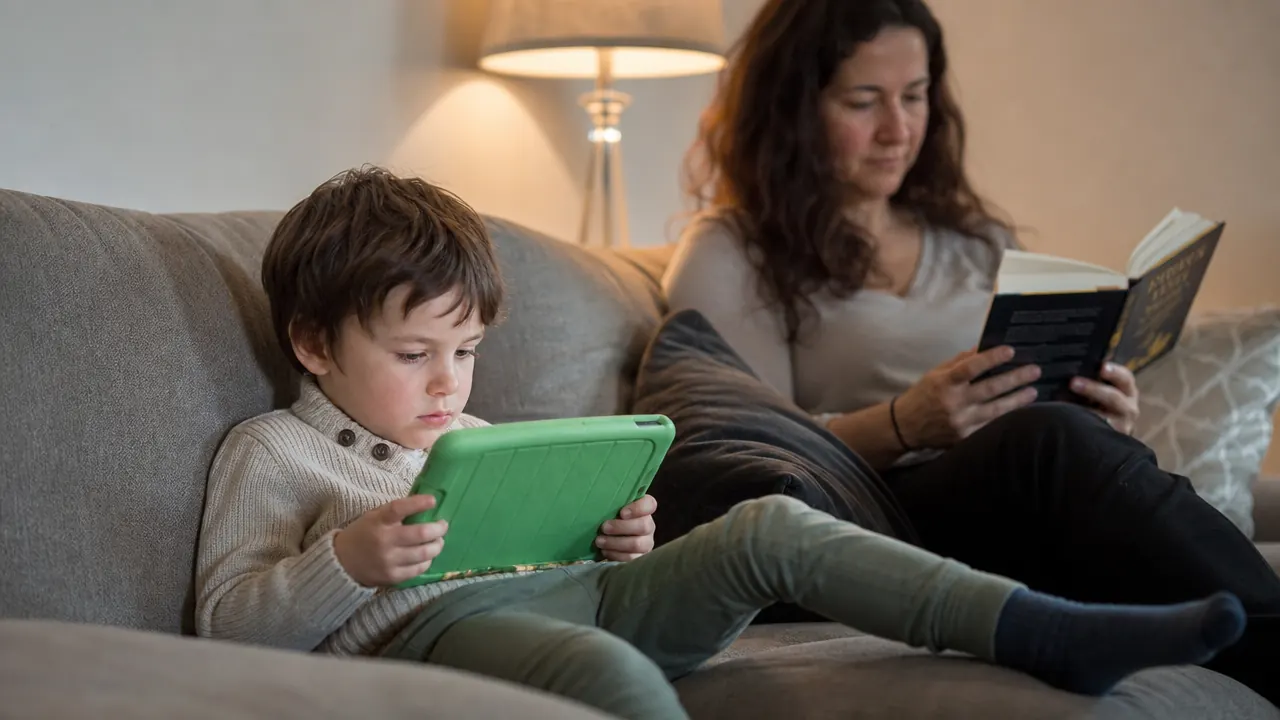
That first afternoon was almost comically easy. He sat with the LeapPad for about forty minutes, finished a phonics activity and a math game, and when the game ended he said he was done and went to find our cats, Pickle, Butterscotch, and Fig. No negotiating. No tears. I stood in the kitchen waiting for the fight that never came. My husband Mike looked at me and raised an eyebrow. We did not say anything to each other because we did not want to jinx it.
Done fighting over screen time? The LeapPad Academy has a built-in stopping point your five-year-old will actually accept.
The LeapFrog LeapPad Academy is a dedicated kids learning tablet with structured content, real parental controls, and no autoplay rabbit holes. Rated 4.4 stars across nearly 6,000 Amazon reviews.
Amazon Check Today's Price on Amazon →It has been about six weeks since that first afternoon. The pattern has held. Theo does not love every activity on the LeapPad the way he loved YouTube. That is actually the point. YouTube was engineered by a team of engineers specifically to be irresistible to children. The LeapPad was engineered to teach reading and math. The two are not competing on the same field, and I stopped expecting them to feel identical to him. What he does love: the reward stickers he earns inside the games, a dinosaur counting app that my husband installed, and a letter-tracing activity that he keeps replaying because he wants to get a perfect score.
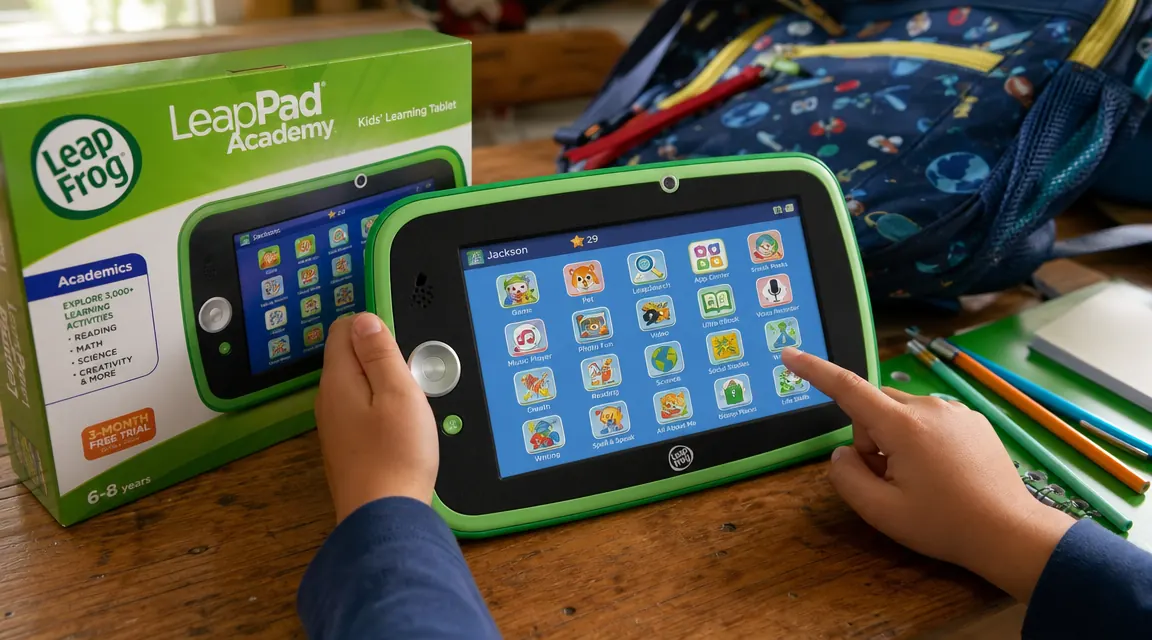
As a teacher, what stands out to me is how the content is leveled. The phonics activities inside the LeapPad follow the same sequence I use in my own classroom. Short vowels first, then blends, then digraphs. It is not random. Whoever built the curriculum knew what they were doing. Theo is picking up letter sounds faster than I expected for a kid who only started pre-K reading prep last fall. I cannot attribute all of that to the LeapPad, but it has not hurt.
It is not a perfect device. The screen is smaller than a regular tablet, and some of the older app graphics look dated. The content library costs extra beyond the included apps. And Theo did ask me twice in the first week if he could 'go back to the other tablet.' But those requests faded. He is used to the LeapPad now, and on the days when he has a LeapPad session first and then gets thirty minutes of YouTube, he transitions off YouTube better too. I think his baseline expectation of what screens are for has quietly shifted.
What I'd Tell You If We Were Sitting at My Kitchen Table
If you are in the same spot I was in April, let me just say this plainly: the screen time fight is usually not about your kid's willpower. It is about the device design. A general-purpose tablet connected to streaming video is built to resist being turned off. A dedicated learning tablet is not. The LeapFrog LeapPad Academy is not flashy and it is not cheap for what it is, but the thing it actually solves is the bottomless-content problem. If your child is between three and seven and the daily tablet argument is wearing you down, I think it is worth a real look. We have used it for six weeks and I have gotten my 3:30 to 5:00 window back. For a teacher and a mom, that is not a small thing. You can read a more detailed look at the hardware and content library in my full LeapFrog LeapPad Academy review, and if you are weighing this against a regular tablet, the comparison in 10 reasons the LeapPad beats a regular tablet for young kids lays it out clearly.
Six weeks of calmer afternoons. That is the honest result for us.
The LeapFrog LeapPad Academy is a structured learning tablet for ages 3 to 7, with no browser, no autoplay, and content your child actually learns from. Check current pricing and availability on Amazon.
Amazon Check Today's Price on Amazon →